

So I did a thing: I replaced my living room TV with a projector. And my word, I've become even more of a film bro than I thought possible.
Living mas.
— Isaiah D. Colbert (@shineyezehuhh.bsky.social) August 12, 2026 at 6:00 PM
[image or embed]
In the lead-up to my big boi, baller-on-a-budget purchase, I've yearned for the tactile. After spending the better part of seven years staring at a laptop and smartphone screen for work, leisure, and human contact with colleagues, I've come to a point in my life where I desire the hands-on comfort of interacting with and fine-tuning my possessions. At first it started with jotting things down in a journal instead of using a Google Calendar. Then it evolved into brewing my own coffee with the OXO Rapid Brewer and a hand grinder—which I proudly haven't upgraded to an electric one. Why? It's exhilarating to play an active part in how my gizmos and doodads work.
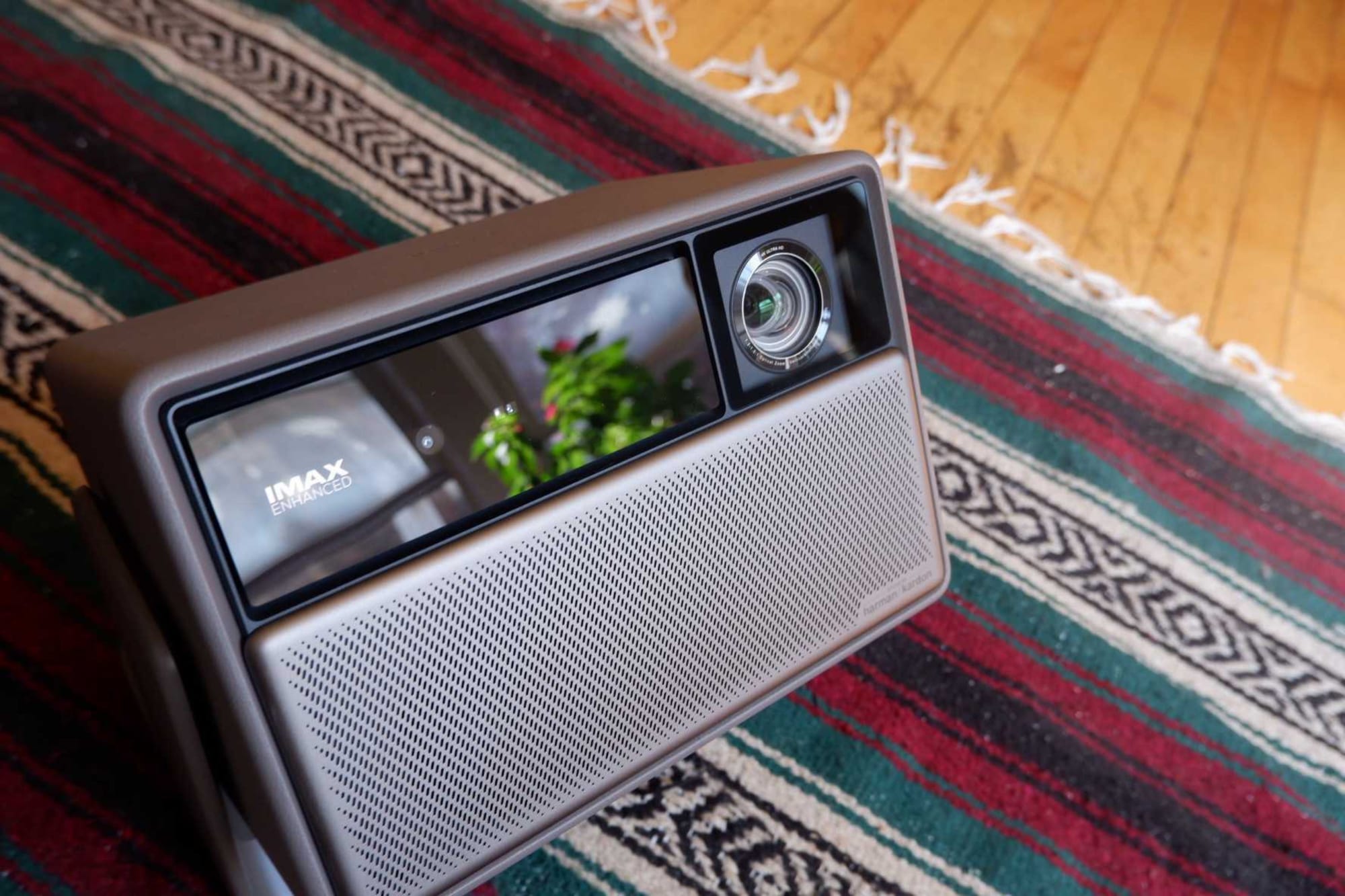
At long last, that same compulsion has made its way to the second and third loves in my life after professional wrestling: What if I transformed my living room into a comfy sleepaway camp where I could watch anime and film? I'm glad I did, because now every night feels like a (night at a) movie. What's more, it's given me a trial by fire in what I like and don't like, what I don't understand, and an appreciation for how cinema works by tinkering with my own makeshift setup.
After roughly two weeks of deep-diving down a YouTube and tech review sites (bless RTings) rabbit hole, I landed on the vanilla model of XGIMI's Horizon 20 projector. Although I was dancing around whether I wanted to get the standard or the Pro model, the price tag for all three models of the XGIMI projectors was on sale on the Lex Luthor online storefront ($1,399.00) —believing I might as well get the upgrade so I wouldn't have to fret over wanting more later, I'm pretty satisfied with the OG. Mainly because its 3,200 ISO lumens output vs the Pro (4,100 ISO lumens) and the Max (5,700 ISO lumens), which meant the Horizon 20 has deeper blacks and greater depth than its pricier, bigger brothers. Plus, I'm not trying to have the Bat signal's light localized entirely within my living room.
The setup
Setting up the projector was a breeze, though it came with some annoying foibles. Key among the upsides was the projector's built-in Google TV, making logging in to my streaming apps a cinch. Plus, knowing the projector has a Harman Kardon speaker—the same as my ZenBook Duo Dual laptop—I knew it'd be crazy loud before getting a soundbar. And honestly, even after getting a rinkydink Sony soundbar, I'd still say the projector gets louder, but I appreciate the more precise tinkering I can do with my soundbar, adjusting soundscapes for music, cinema, and more importantly, voices for all my whisper-speak actors.
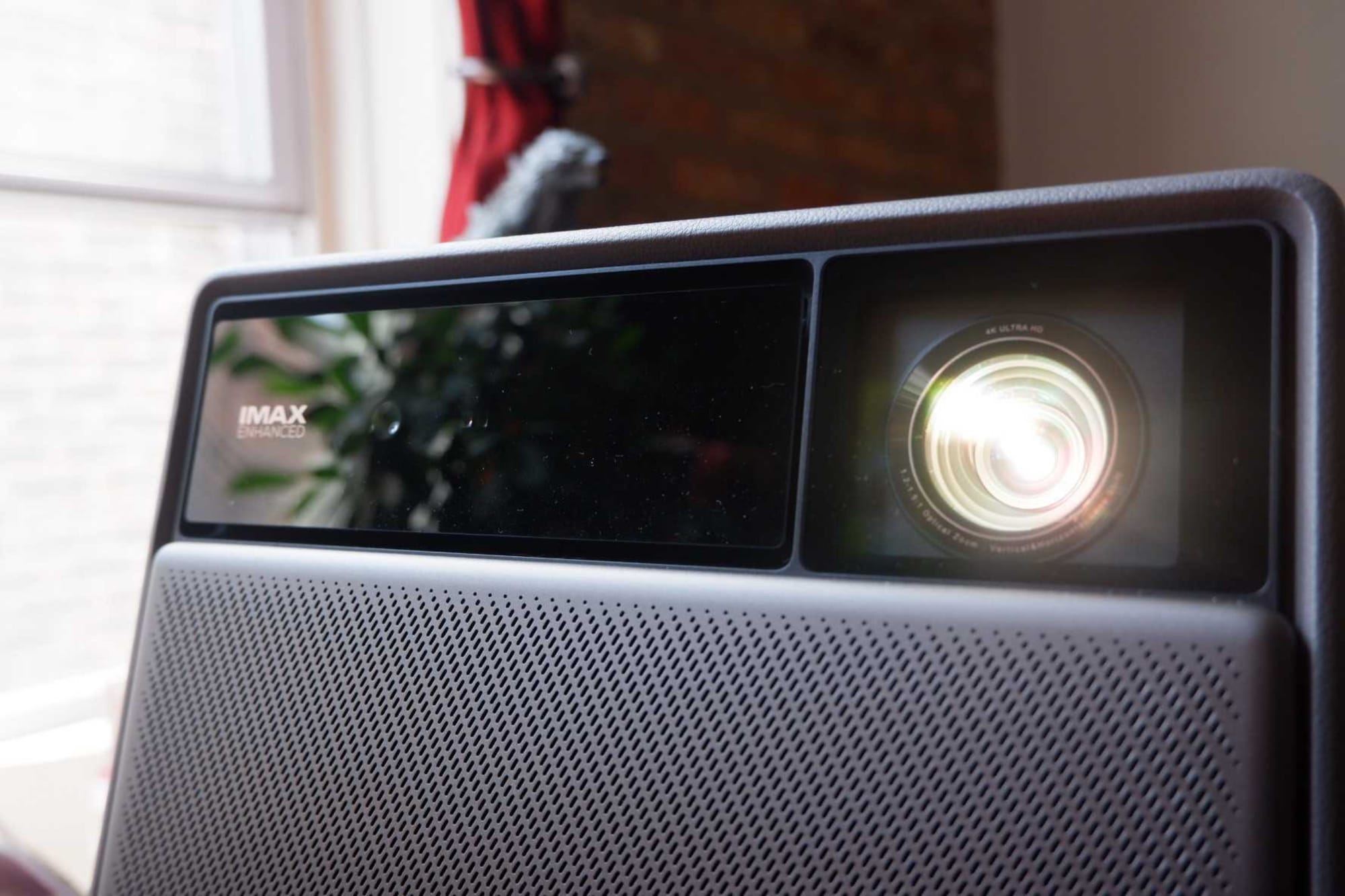
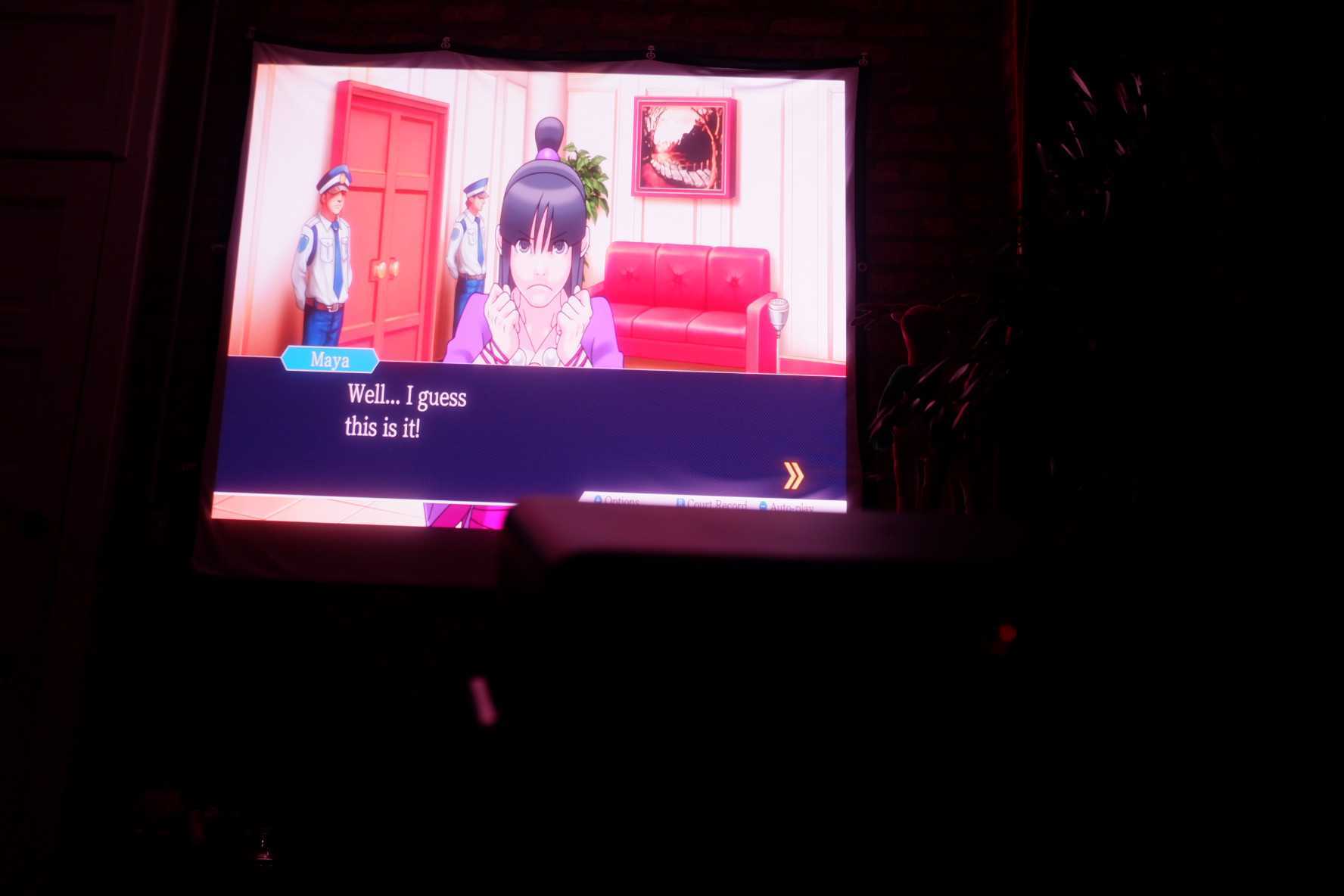
Likewise, the projector has an ample array of ports on the back, including two HDMI ports (one being an HDMI 1/eARC, which, to my luddite brain, means it's the better one to plug in my PlayStation 5 Pro), two USB ports, an optical port, and an audio jack. Alongside IMAX Enhanced and Dolby Vision film formats that it automatically detects from whatever film I'm playing, the Horizon 20 also has 4K gaming capabilities with 1ms input lag, up to 240 Hz, and an FPS crosshair feature. I've honestly not tested it too much, but it plays Ace Attorney and Tetris 99 like a dream.
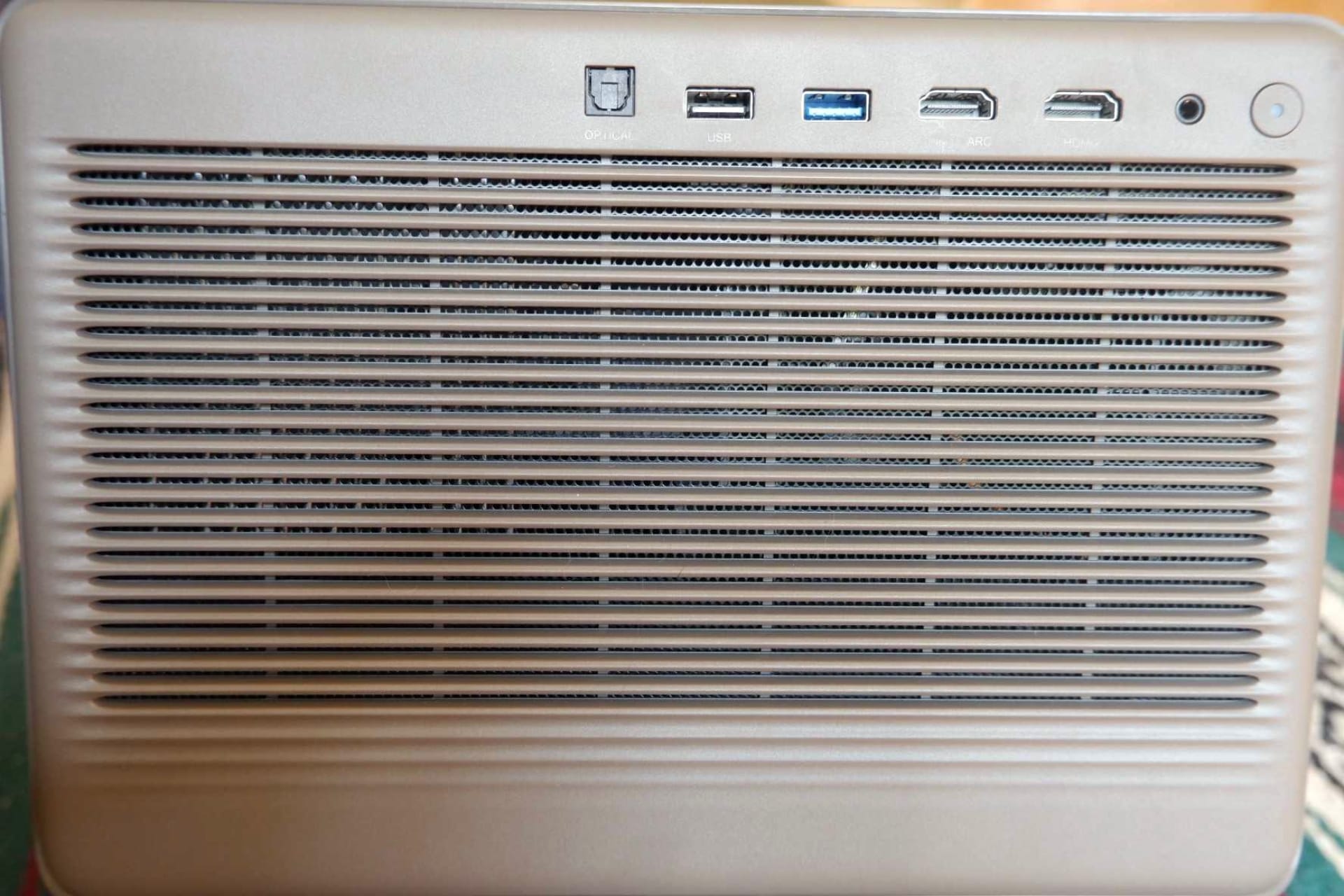
I didn't want to rearrange my living room bookshelves and my couch so my projector would play against my larger white wall, but the other option was the exposed brick wall my living room TV had as a backdrop. Even with the projector's built-in wall-adaptive color feature, projectors famously do not play well against brick walls. I’d preemptively purchased a 100" fixed screen, which is too big for my brick wall and would overlap with my frickin' door. But necessity breeds invention, and my mother had a cloth projector screen lying around in her closet. To solve the issue of it also being as long as my fixed screen, I folded it in half to a 4:3 aspect ratio, hoisted it up by plastic hangers and impressively adhesive backings, and I've only had to reinforce it every handful of days after a corner fell down on my brick wall. I'll be saving my fixed frame screen as a Mystery Mousketool for my future apartment. For now, it occupies space in my closet. Circle of life.
While my folding of the projector screen immediately raised alarm bells in my mind over whether I was shooting myself in the foot with my projector, its boon of having keystone correction and lens shift meant images weren't warped to fit my projector screen, giving everything I watched an old-school cinema aspect ratio feel without looking warped or digitally cropped to sacrifice image quality. Even though the projector comes with a lot of "auto-detect" and autofocus features where it figures out where a screen is, I appreciate its dedicated remote manual focus feature, allowing me to adjust an image's crispness on the fly for my poor eyes so I don't have to squint at text on the screen.
I do wish my projector had the same form factor as the earlier iteration—the Horizon Ultra—whose speaker cover acts as a remote-controlled lens cover upon startup. The anxiety of my expensive-ass projector lens getting scratched is ever-present. My solution is laying a silk microfiber cloth over my projector, like pulling a cover over a bird cage when it's time to go to bed.
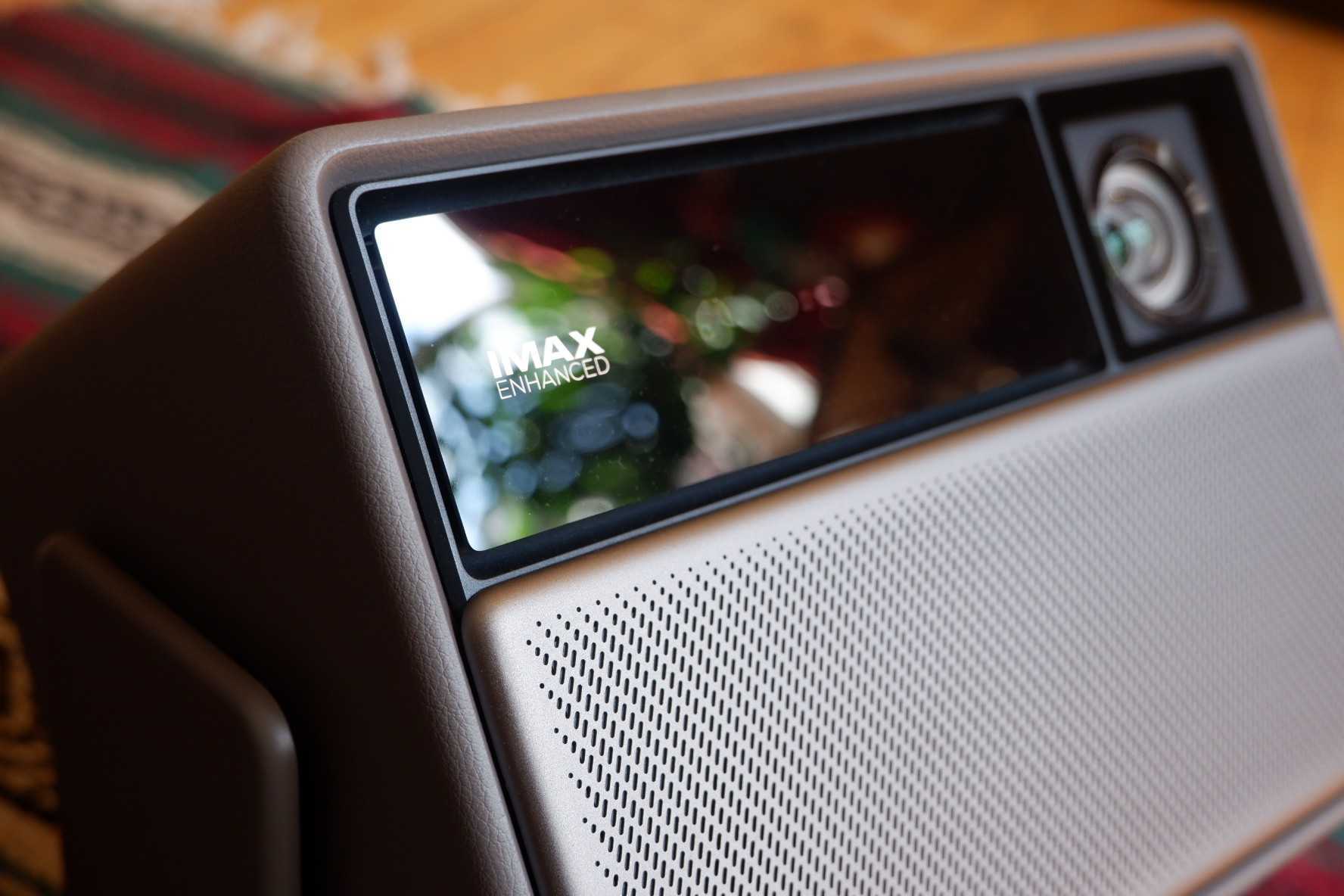
That being said, I've discovered I, too, have the same neat-freak compulsion when watching movies as I was horrified to discover during my stints of PC gaming. Only instead of spending the first five minutes with a game tinkering with settings to make sure the square peg of a game can fit in the circular slot of my laptop (that wasn't built for this), I came to learn what settings I need to have in place so I can slump on my couch with friends over and let whatever movie we've settled on wash over me.
In the weeks I've had my projector, one crucial adjustment that compelled me to learn more about its rocket science display settings was preventing interpolation of images. With the projector also having some annoying AI features like Gemini (RIP Assistant), it has the faux 4K image-quality boost and framerate adjustments that've plagued many a TikTok AMV. I don't want my anime to look like that. Ever. And the screen-tearing side effect of interpolation is increasingly noticeable on a projector, to the point that it made my teeth itch, wanting to learn what scary civic engineer setting I'd have to learn about to stop that shit cold. What I learned is that the acronym MEMC stands for Motion Estimation/Motion Compensation, and how to turn that shit off. Now my anime moves in biblically accurate, God-fearing frames per second.
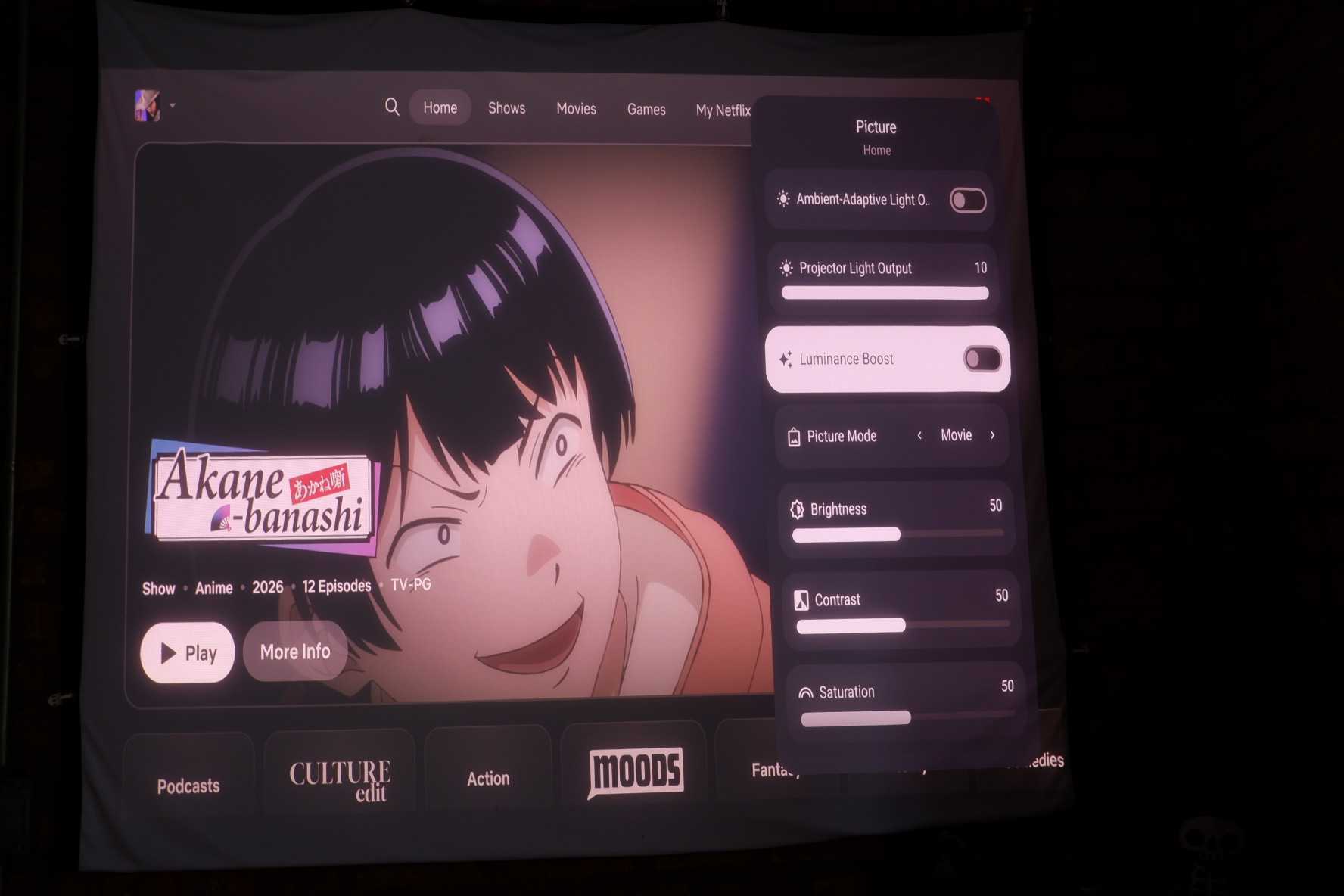
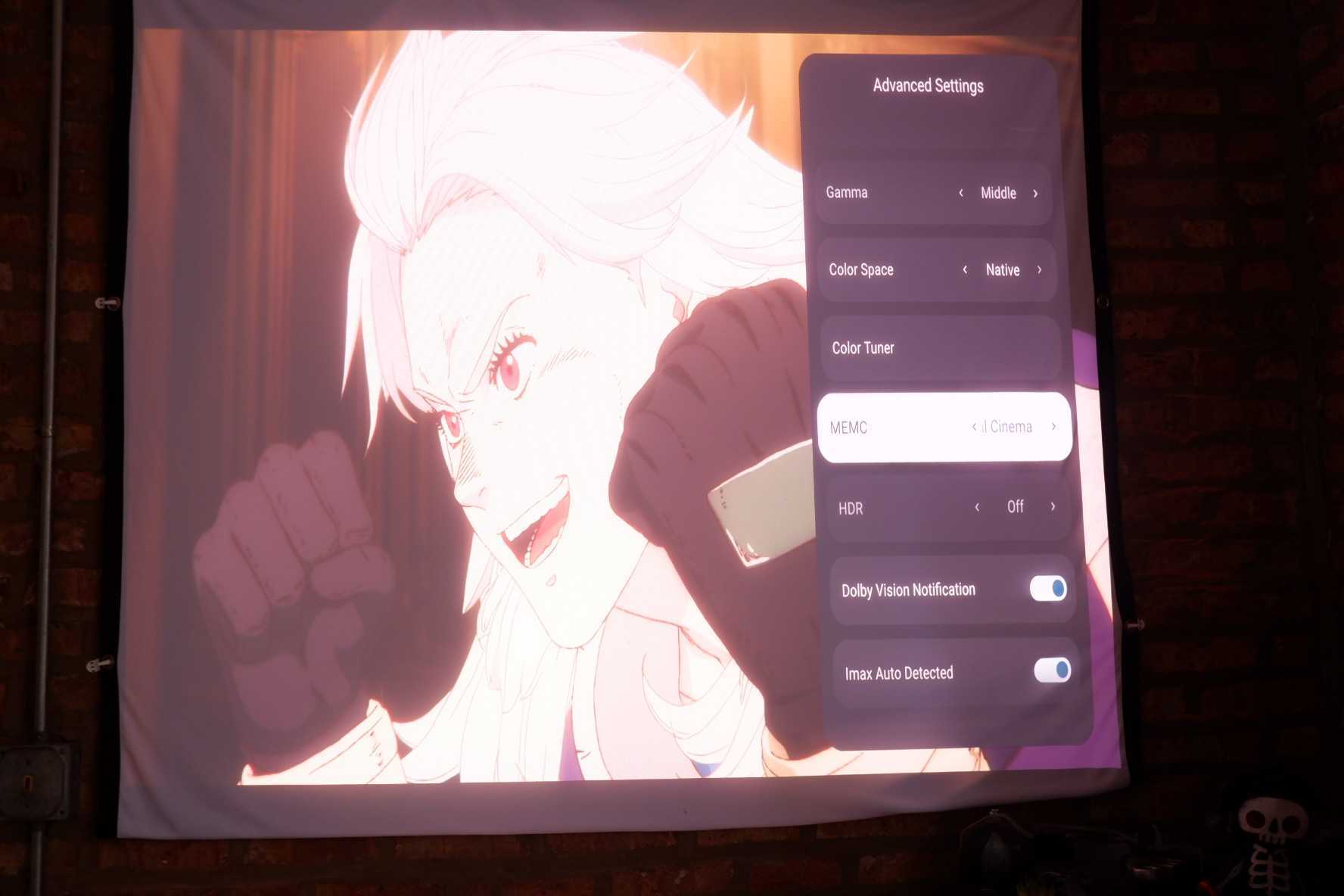
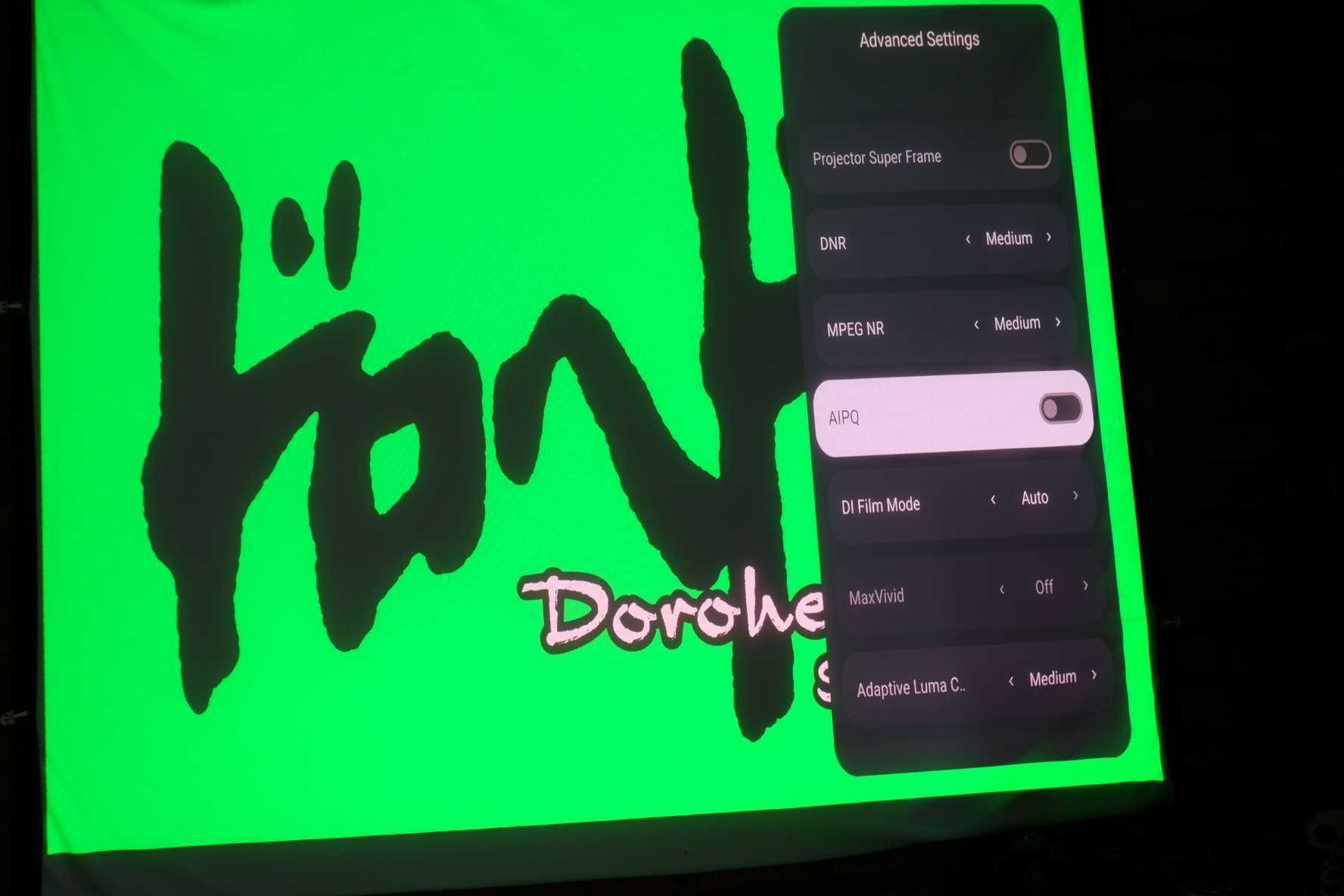
I've barely scratched the surface on all of the projector image display settings.
In Action
My favorite thing about my XGIMI projector is how it adjusts to my living room and not the other way around. Placing my projector on its stand off-center from my kotatsu (where it once sat, swiveled up to my screen) initially raised the worry that the images projected onto my screen would be off-center. Thanks to lens shifting and manual keystone, that's barely an issue.
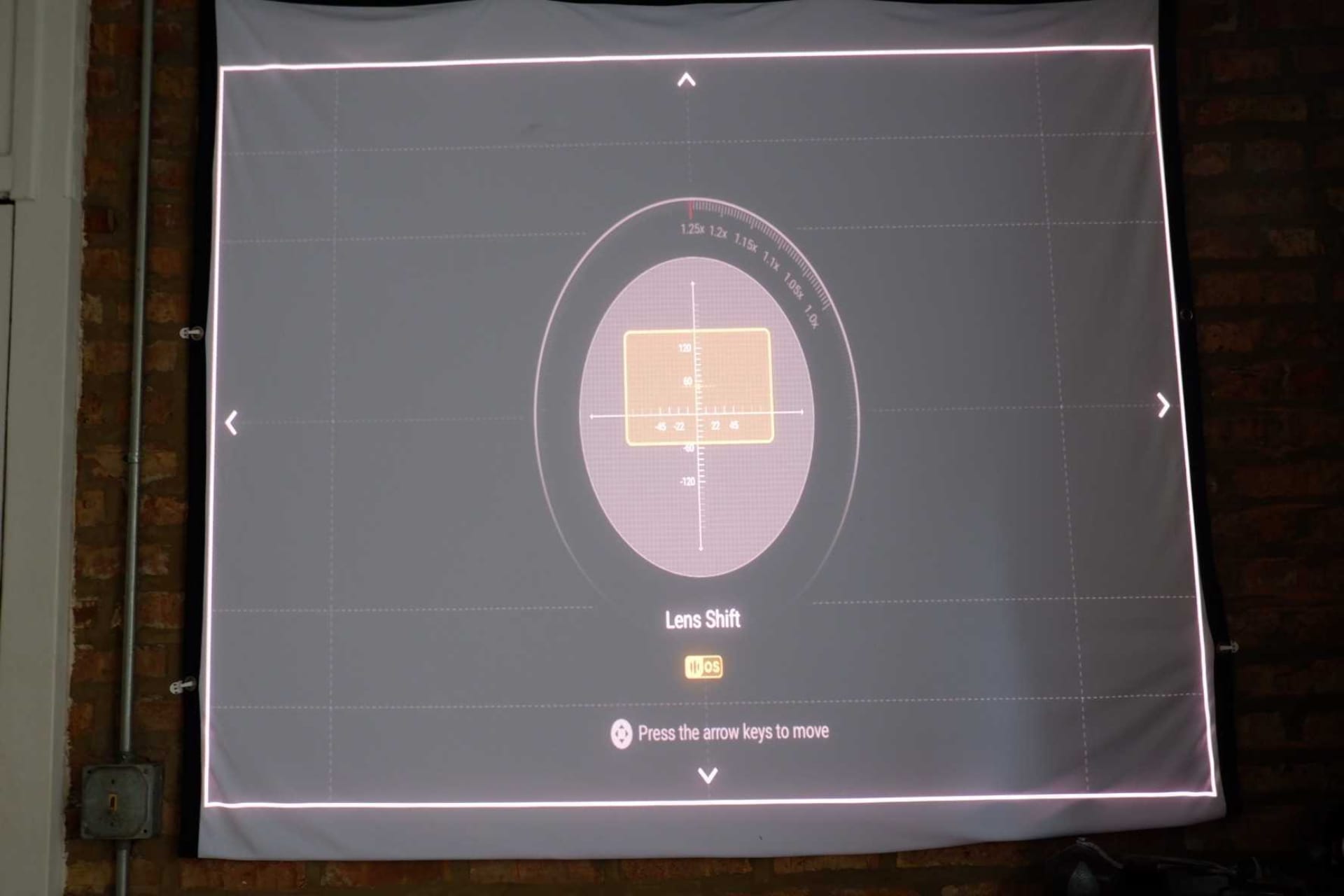
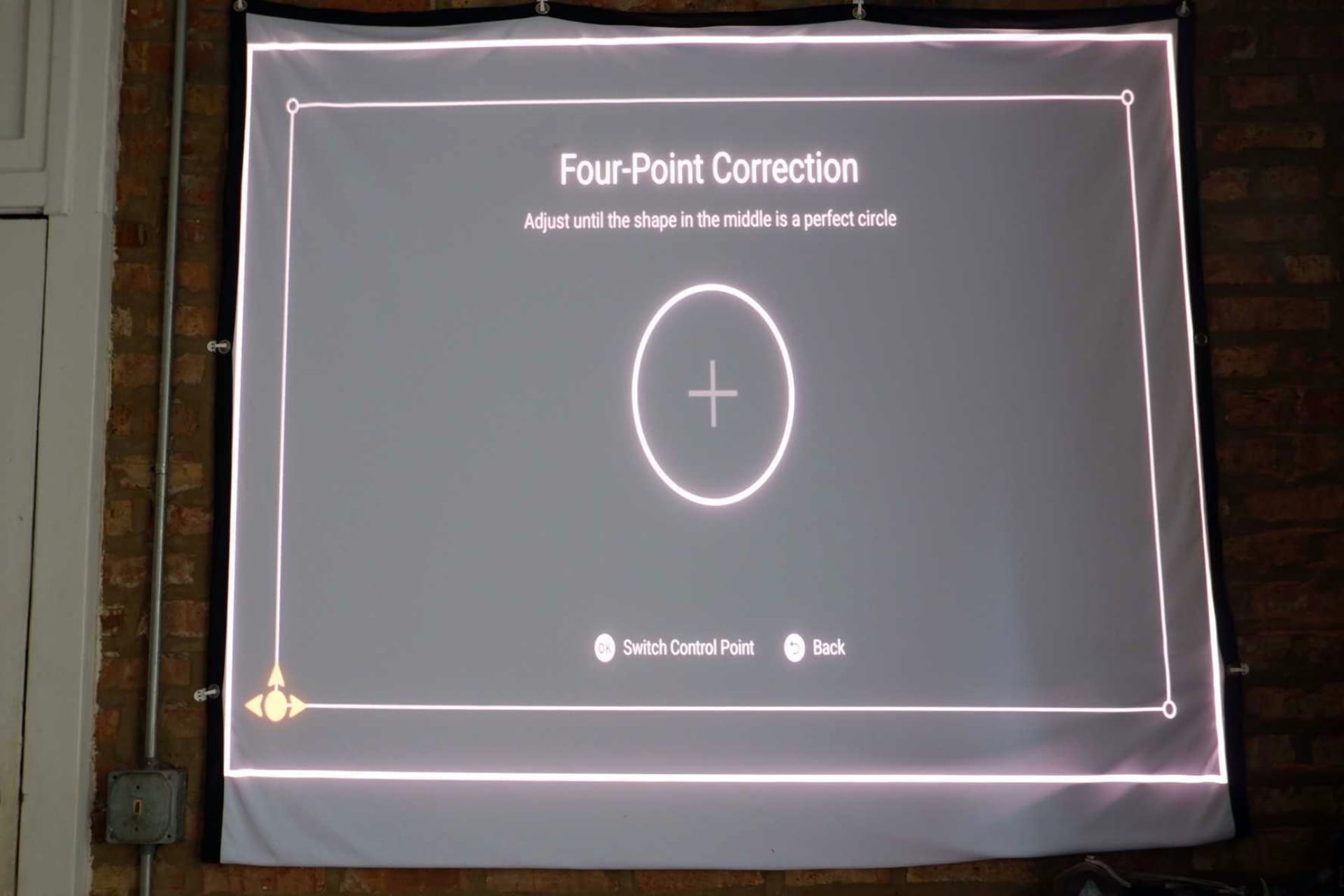
Keystoning and lens shift are my PC menu screen-adjacent mind goblins.
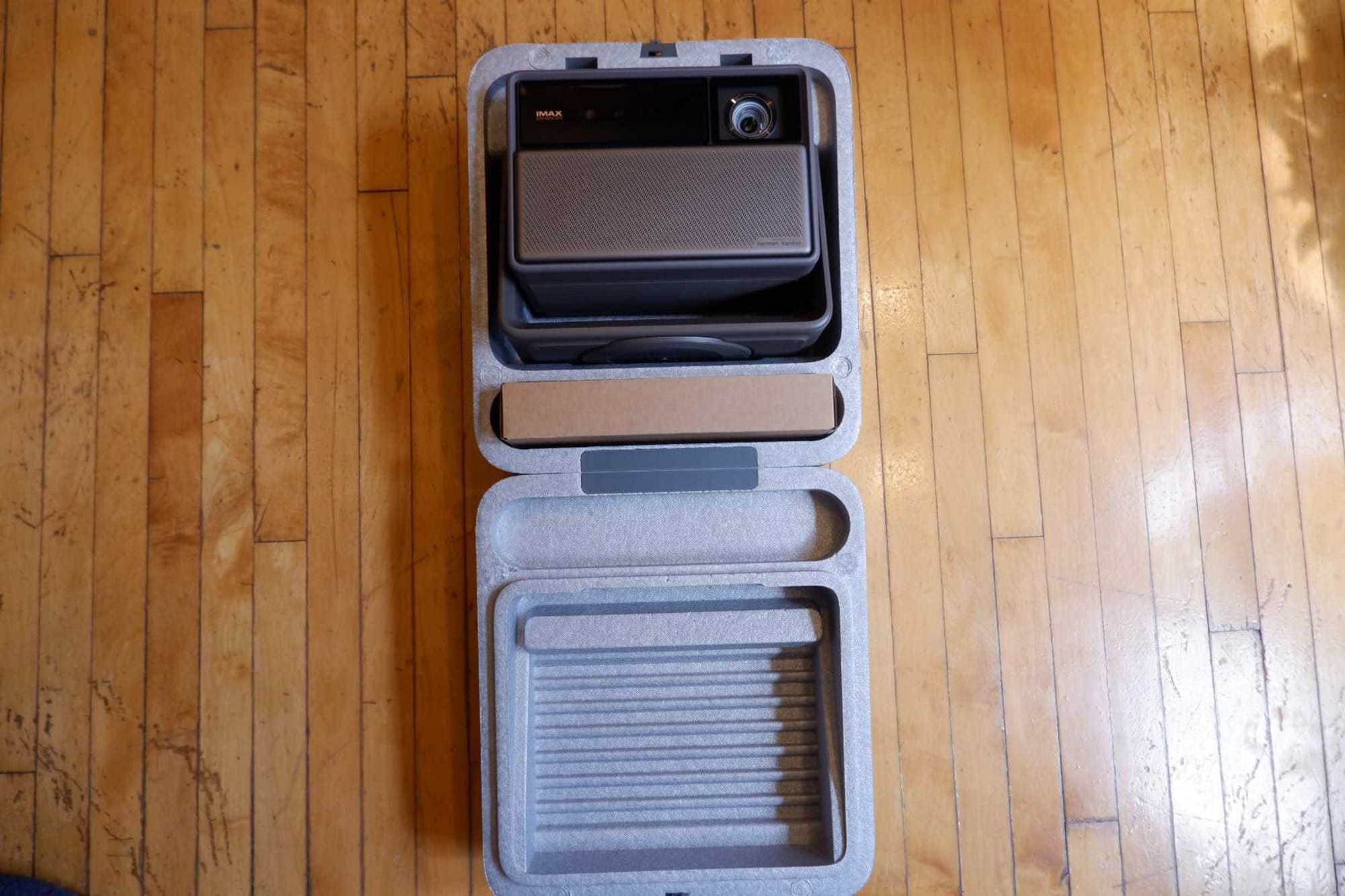
Once I ignore my mind goblins over keystone lines being just a slight bit off, daily occurrences like my oafish bumping into my projector make readjustments a kind of ritualistic exercise whenever I set up and tear down my XGIMI and take it over to a friend's using its snug styrofoam traveling case. And it's pretty bright even with the windows open; however, during the day I only use it to watch reality TV shows. I save watching movies for at night, when I get the most out of its blacks.
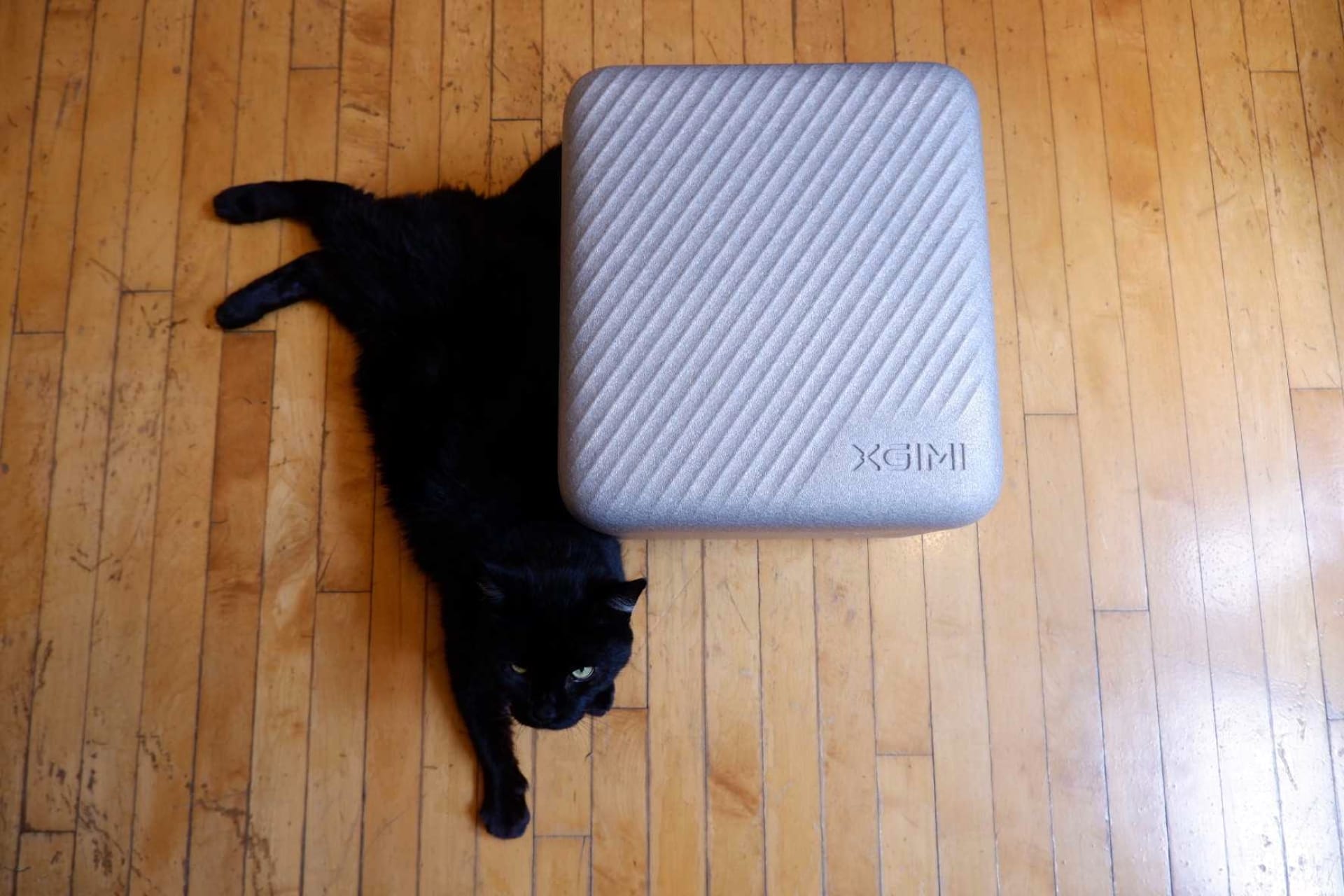
Majima for scale.
The XGIMI Horizon 20 also runs pretty quietly, with its fan blending into either my AC or the cross-breeze in my living room to the point where I've never heard its fans running. That being said, it's not mobile like its portable cousins, meaning it's gotta be plugged into the wall. XGIMI sells a stand for the projector that swivels at the top and has a heavy base to prevent it from toppling over. However, the one advertised on Amazon with a compartment to hide its sizeable power brick and cords wasn't what was sent to me. I got a stand where my cord awkwardly trails down to its brick, which I have to tuck under my end table. Despite not getting what I ordered, having it sit in my living room like an Art Deco doodad you might see inside Edna Mode's mansion in The Incredibles is an aesthetic I'll never get tired of. Plus, I like the freedom of scooching my kotatsu and throw rug around without having to putz with keystoning every day, which I had to do when I had it taking up real estate on the top of my table before getting its stand, too much to go back or ask for a refund.
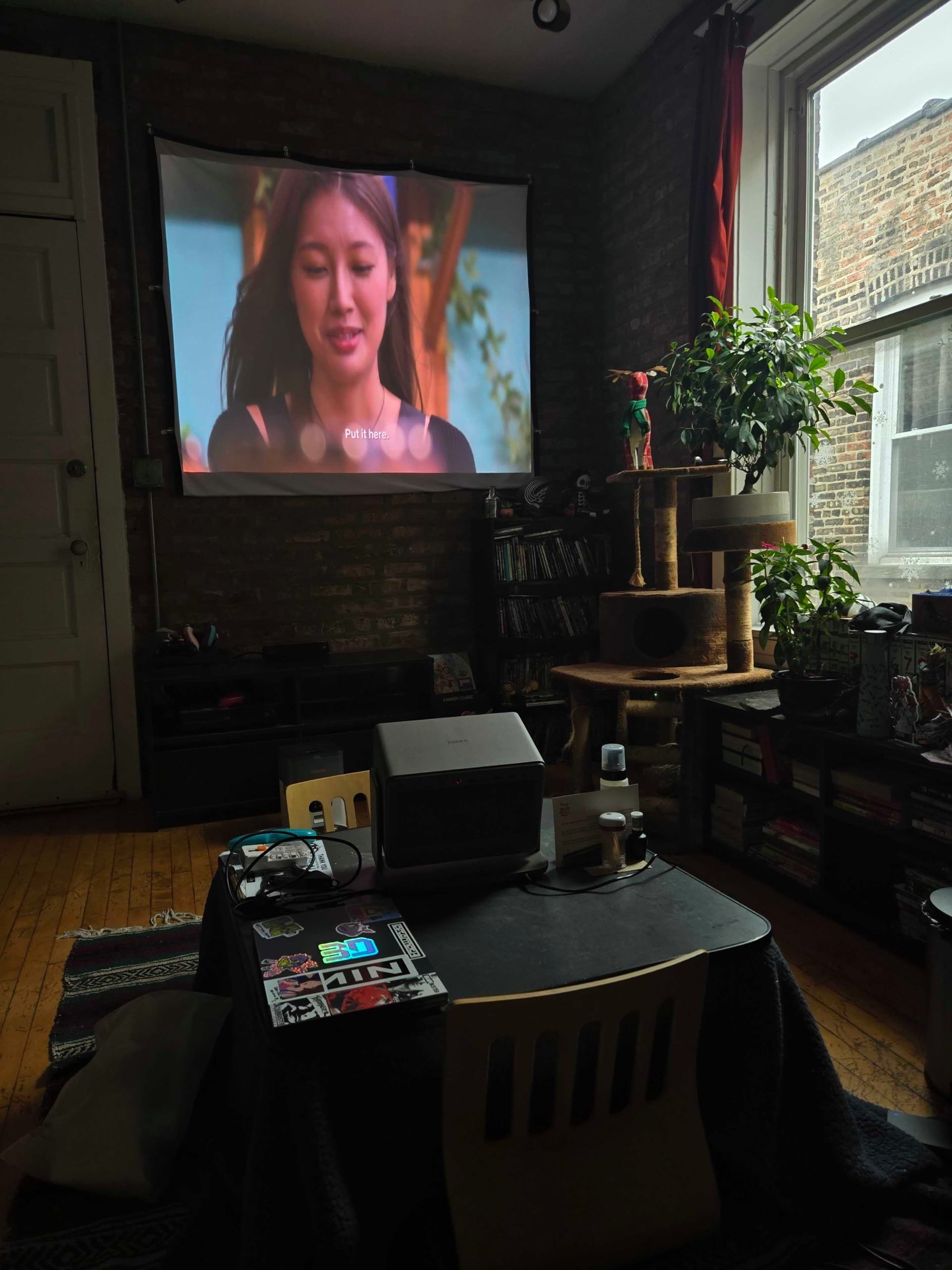
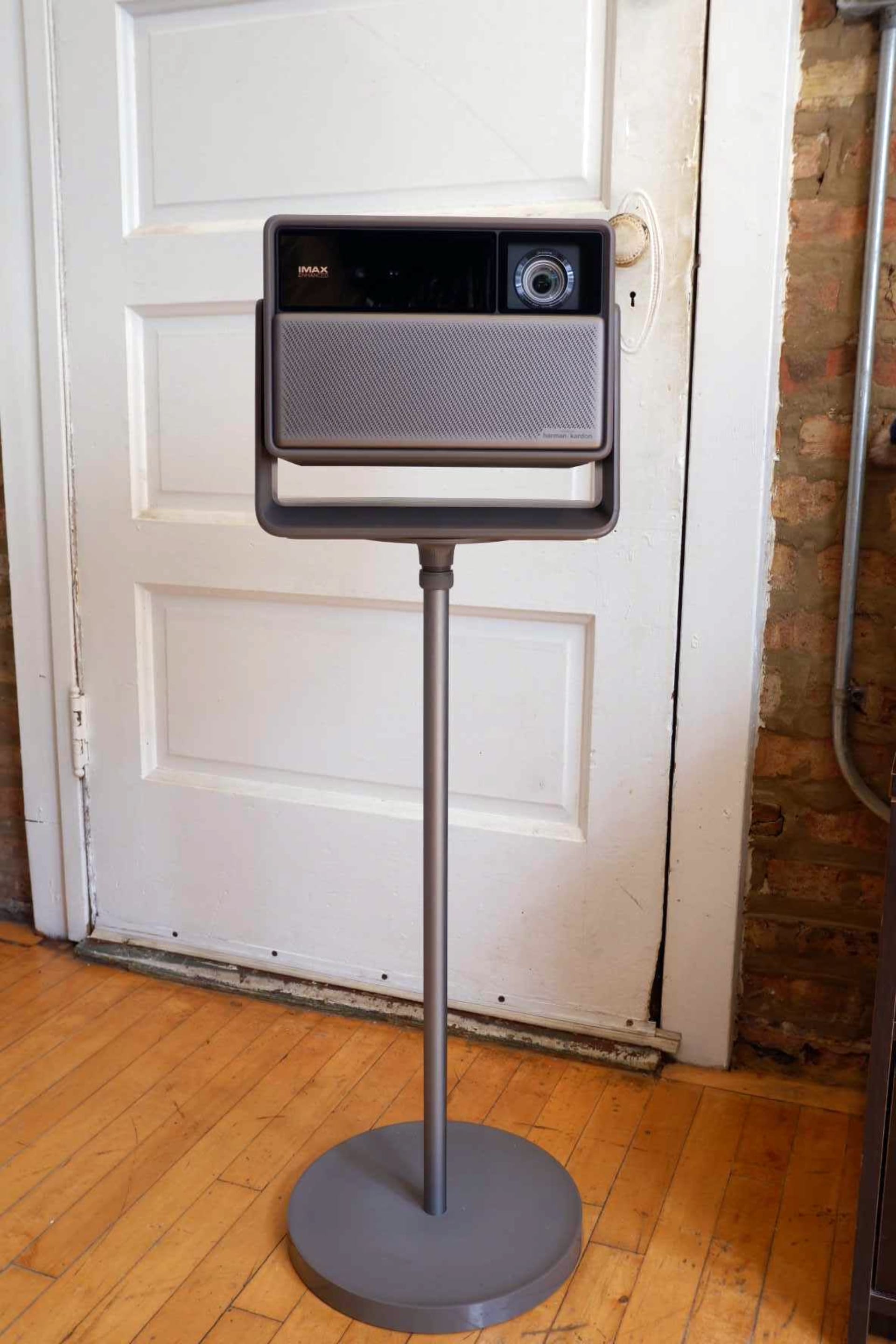
My kotatsu's watch as a projector stand was an era I'm glad is over.
One niggling issue is that, because of the manual keystone and lens-shifting settings I set on my projector, any time a dark scene is playing in a movie, the light overlay from where my projector light is shining outside my screen is distractingly visible. Like I've had to tell my brain to chill: My screen being purposefully off-center on my wall is leagues less annoying than it being just a hair off-center. It's a reality I've just had to make peace with until I get a new pad, allowing even more use of its spatial capabilities I'm only using a fraction of.
Verdict
Overall, having a projector has done exactly what I feared: It's turned me into a film bro. Every night, I'm making plans to watch films not just out of curiosity, but to see how they look on my new baby. I've had friends come over to christen it with some wrestling on a big, cinematically cropped screen to a rousing success. Likewise, it's made my Letterboxd escapades feel like events where watching films I missed in theaters, like Burning, Dog Day Afternoon, and Lawrence of Arabia, feels as bespoke as fleeing to a special theater screening. Being able to see the texture of a movie shot on film on my projector screen scratches an itch I didn't know needed scratching.
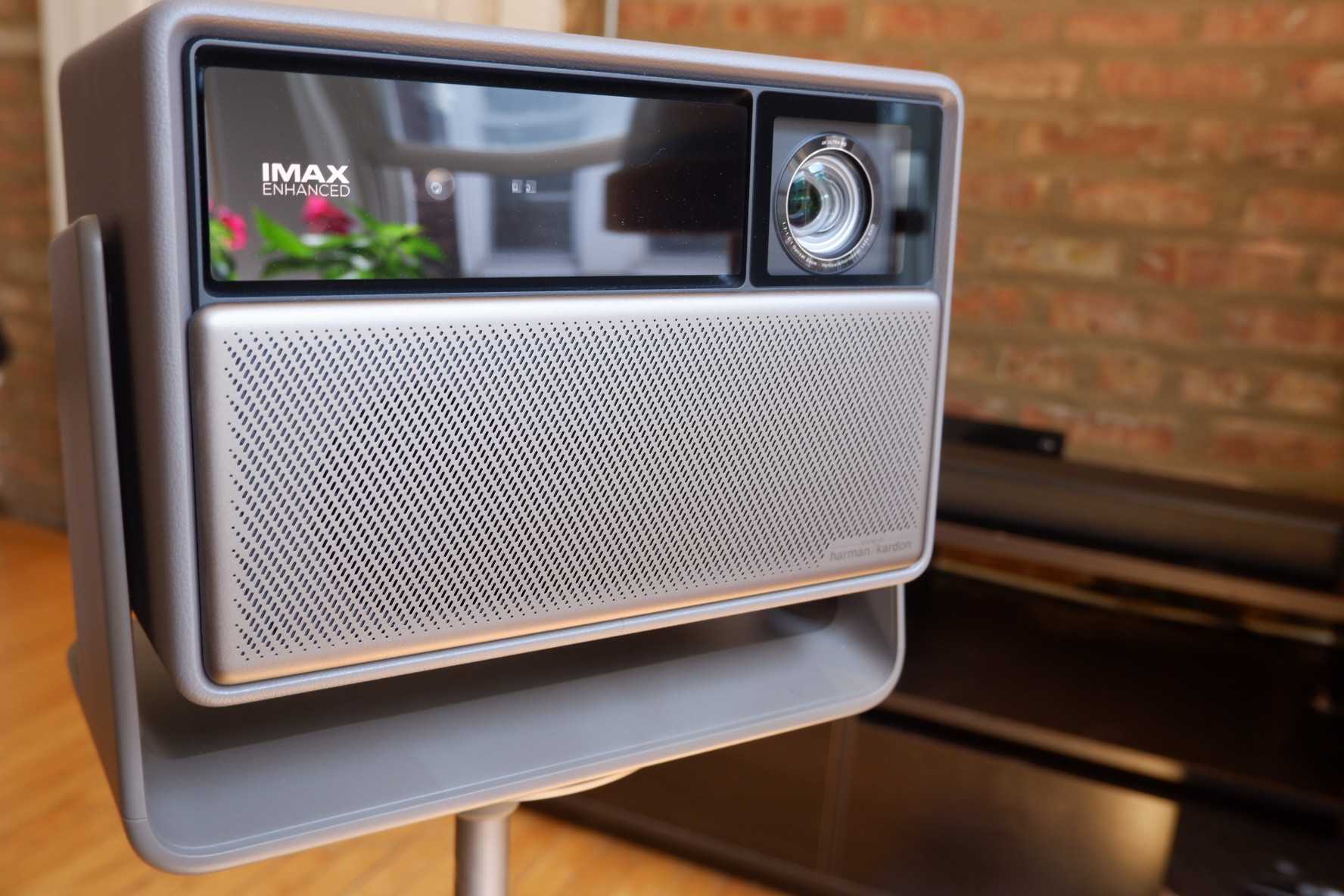
Plus, being able to do it every day is the comfy bonus of being able to snuggle up under my heated kotatsu as I watch a movie I fine-tuned my display settings for, which gives me a swell of pride in playing an active part in the enjoyment of whatever cinematic journey lies ahead of me as its projectionist. In a similar fashion to a photographer going from a point-and-shoot to a manual DSLR, owning a home projector has opened the aperture on my appreciation for film and heightened my sense of agency in shaping pictures to my preferences.


